
Wedding planning
How to Set Up an Audio Guest Book at Your Wedding
By Loveline··4 min read
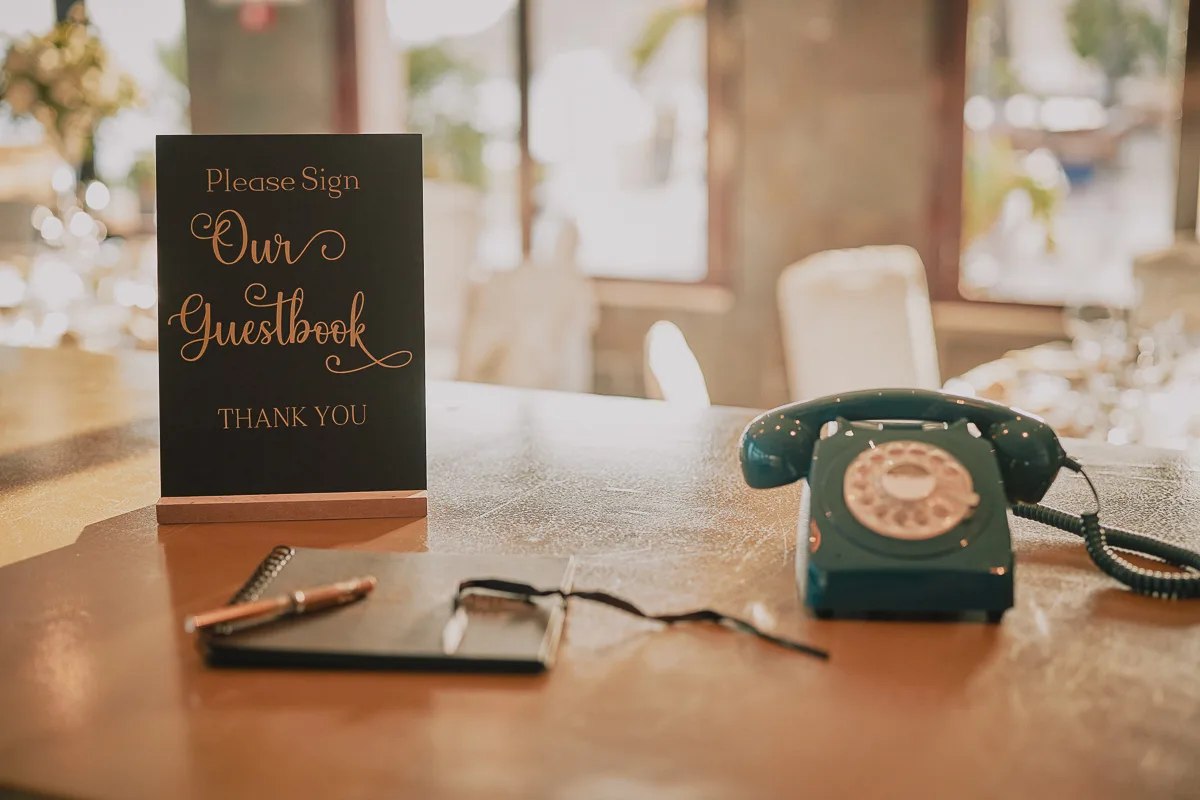
A good audio guest book setup makes the phone easy to notice, easy to understand and comfortable to use. The goal is not to hide it in the quietest corner or place it in the busiest part of the room. Give it a visible home away from the loudest speakers, then help guests know when and how to leave a message.
Before the wedding
Loveline says your phone arrives at least three days before the event. Use that time to inspect it, read the instructions and decide who will take responsibility for the setup and return. Confirm the venue location with your coordinator so a suitable table and access are ready.
Choose the right location
Look for a spot near natural foot traffic, such as the entrance to the reception, a lounge area or the route between dining and bar spaces. Keep some distance from speakers and the dance floor so voices are easier to hear.
Do not hide the phone in a separate room unless guests will be deliberately directed there. Visibility usually matters more than perfect silence.
Style the table without clutter
Use a stable table with enough room for the phone, cord and sign. Add flowers, a lamp or a few personal items if they do not crowd the handset. The phone should remain the obvious action point.
Choose a phone colour that complements the wedding palette. Loveline offers multiple vintage-style colours, making the guestbook easier to integrate with the wider styling.
Use simple signage
Loveline includes free printable signage. Place it at eye level or directly beside the phone. Instructions can be short: pick up the handset, listen, leave a message and hang up when finished. Add two or three optional prompts for guests who need inspiration.
Give guests useful prompts
- Share your favourite memory with us.
- What should we do on our first anniversary?
- Leave your best marriage advice.
- Tell us something that made you laugh today.
- Where should we travel together?
- What do you hope we remember in ten years?
Create an announcement plan
Ask the MC to mention the phone near the beginning of the reception and again before formalities finish. A single reminder can make a large difference. You can also add the guestbook to printed schedules or venue signage.
Start with familiar voices
Ask parents, the wedding party and close friends to record messages early. Their participation demonstrates the process and gives the final collection a strong foundation. It also prevents the phone from looking untouched when other guests first see it.
Check it during the event
Nominate one person to glance at the station occasionally, straighten the sign and make sure decorations have not covered the phone. They do not need to supervise every message. A light check after major transitions is usually enough.
Avoid common setup mistakes
- Placing the phone directly beside a speaker.
- Using long instructions that guests will not read.
- Hiding the station away from normal movement.
- Crowding the table with decorations.
- Forgetting to tell the MC or venue coordinator.
- Waiting until late at night to encourage the first messages.
After the wedding
Follow the return instructions, then look forward to the messages being uploaded to your personal online guestbook. Loveline lets you listen on any device, rename recordings, download them and share them. See how Loveline works or book your audio guestbook when your date is ready.